Select the passage
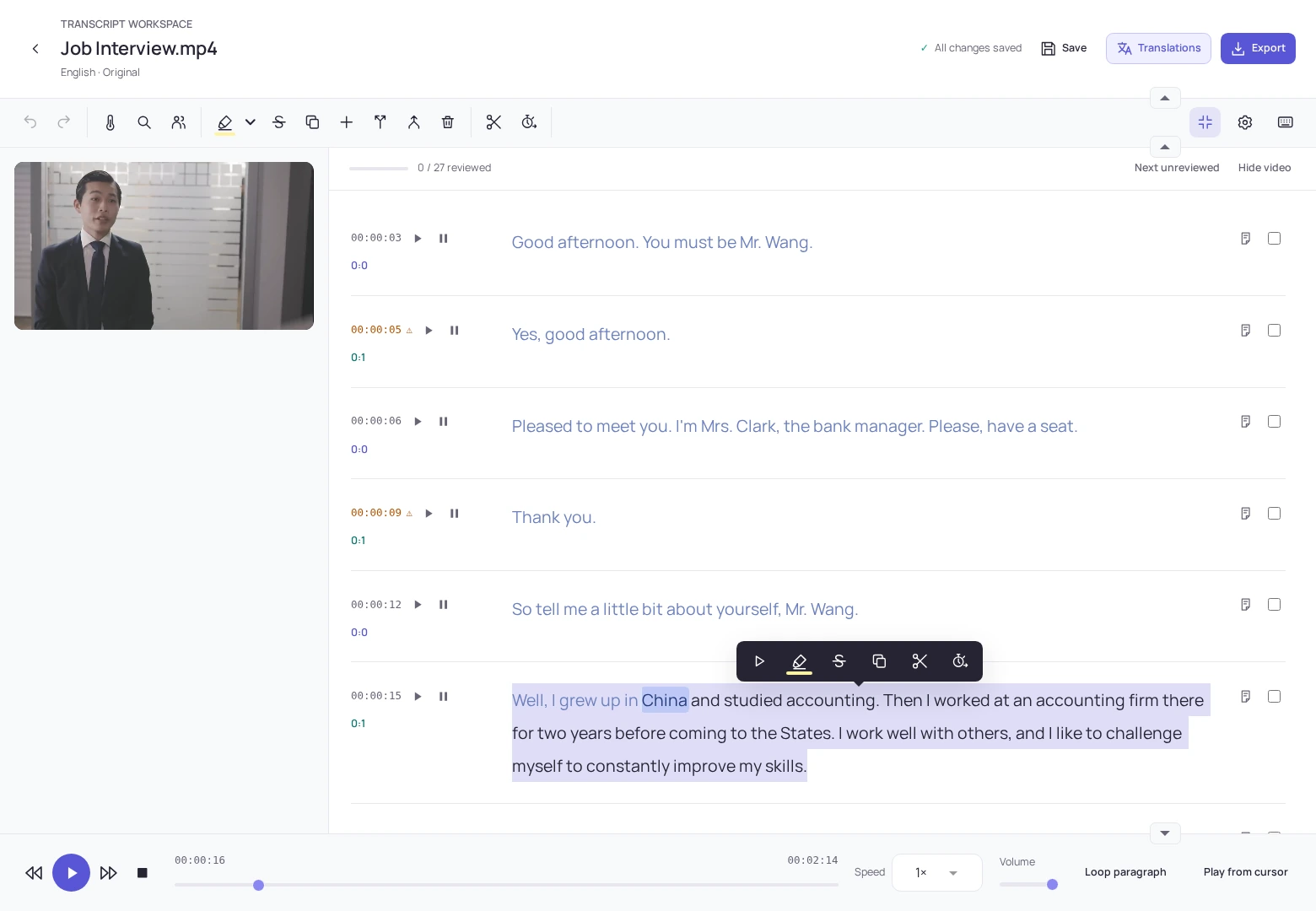
Highlight the transcript text associated with the excerpt you want to keep.
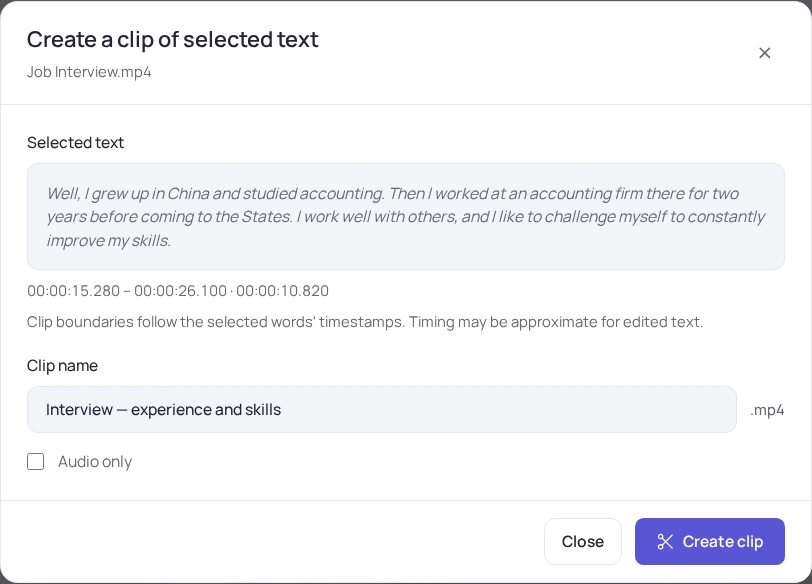
Select transcript text to create an audio or video clip from the original recording. Name the excerpt, preview the generated clip and download it.
Highlight the transcript text associated with the excerpt you want to keep.
Generate the clip from the source audio or video rather than recreating the spoken words.
Wait for processing, play the excerpt and download the generated clip.
Extract a useful moment from a podcast, interview or meeting without locating its boundaries manually in a separate timeline. Selections can be up to 10 minutes. For translated selections, the clip uses the full source paragraphs and retains the original audio.
Explore all questionsChoose the relevant passage in the transcript editor.
Open the clip action, give it a name and start processing.
Review the original-media excerpt before downloading.
The editor accepts selected text covering up to 10 minutes for one clip.
No. It uses the full original source paragraphs and contains the original audio.
The workflow generates a separate downloadable clip from the original media.
Choose a service in the application or browse every feature and workflow.