
Locate named references
Ask the tool to identify people, organisations, places and other entities mentioned in the material.
Identify named entities in documents and transcripts with AI. Review people, organisations, locations and other references, then export TXT, JSON or XML results.
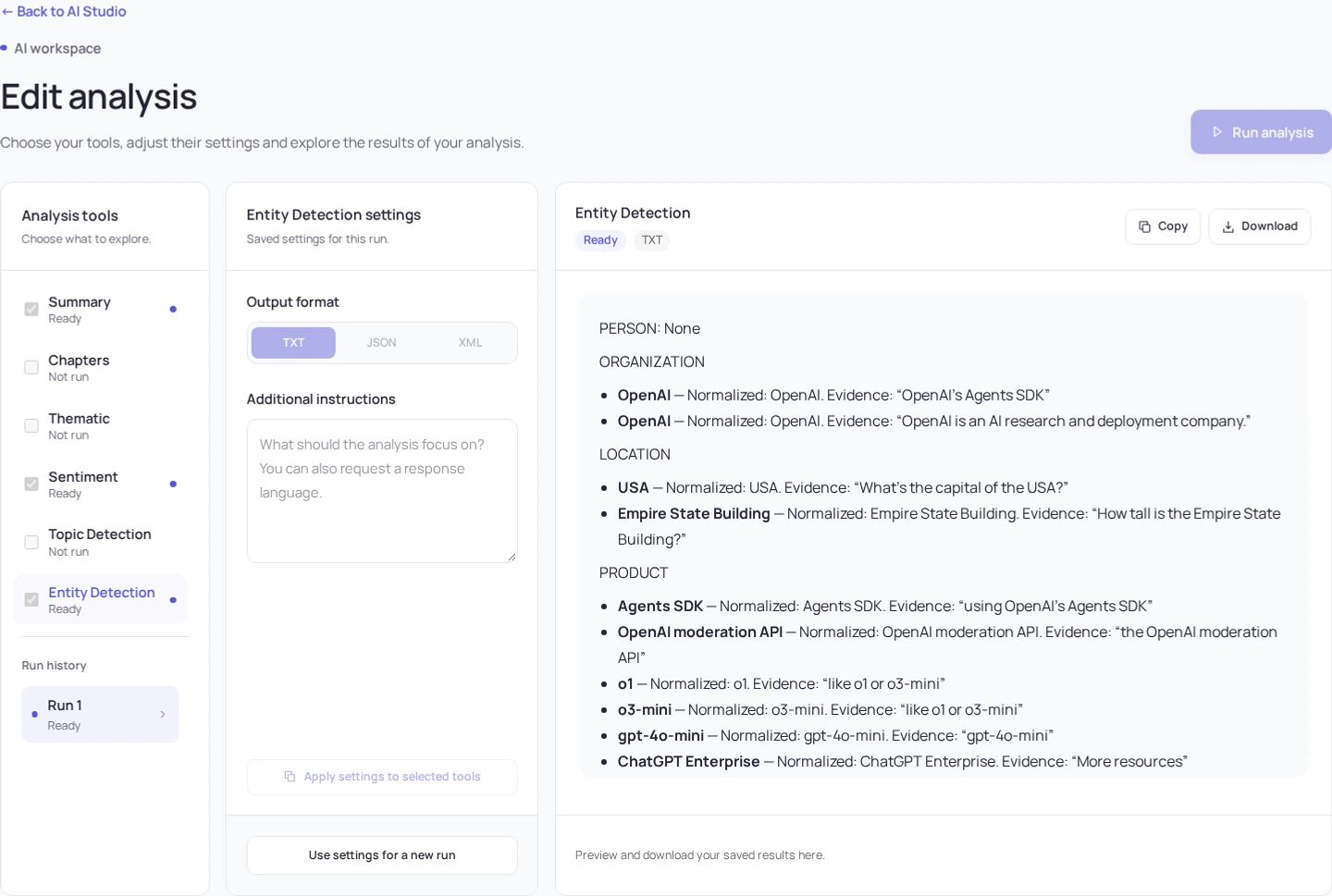
Ask the tool to identify people, organisations, places and other entities mentioned in the material.
Use instructions to describe the types of references useful to your project.
Compare names and ambiguous references with the source before reusing extracted entities.
Entity detection helps prepare a reference list from interview transcripts, research documents or reports. It identifies references in the selected text; it does not independently verify identities, enrich contact records or remove personal information automatically.
Explore all questionsSelect a document, transcript or translation in AI Studio.
Select this tool, add instructions and choose TXT, JSON or XML.
Inspect the result against your source before downloading it.
No. It produces an analysis of named references. Any anonymisation or redaction needs a separate reviewed editing step.
Upload TXT, DOC, DOCX, PDF, XLS or XLSX, or use an existing transcript or translation.
Yes. Add tool instructions and choose TXT, JSON or XML, with a desired structure for JSON and XML. Tool availability depends on your plan.
Choose a service in the application or browse every feature and workflow.